
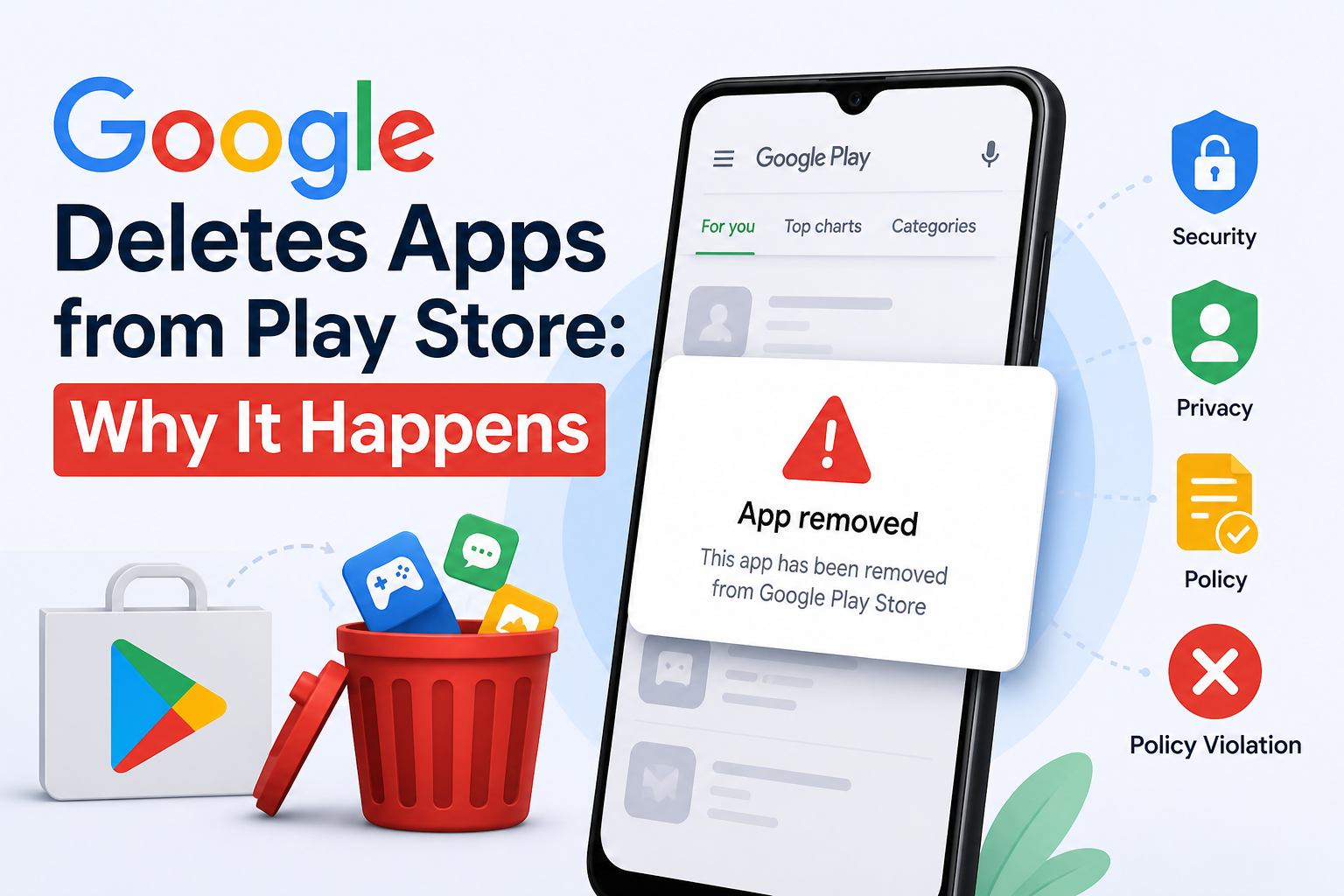
You aren’t the only one who has tried searching the Play Store for an app and found nothing. When apps vanish without warning, many users become confused. The truth is that Google frequently, and typically for very specific reasons, Google delete apps from Play Store. We’ll break it down into simple terms in this article. You’ll know why it happens, how it affects developers and users, and what to do if your app is taken down.
Does Google Really Remove Apps That Often?
The Play Store is home to millions of apps from Google. Keeping all of them safe, updated, and useful is not easy. As a result, they constantly review apps, delete those of poor quality, and remove anything that violates the rules.
Sometimes it’s a small batch. Sometimes thousands of apps get removed at once.
And most people don’t even notice—unless it’s an app they actually use.
The Main Reasons Apps Get Removed
Let’s break this down properly. There isn’t just one reason.
1. Policy Violations (This Happens a Lot)
Google has a long list of policies. Developers agree to them when they publish apps.
But not everyone follows them carefully.
Common issues include:
- Misleading app titles or descriptions
- Promising features that don’t exist
- Fake ratings or manipulated reviews
- Creating multiple similar apps just to spam the store
Sometimes it’s intentional. Sometimes it’s just poor understanding.
Either way… the result is the same.
2. Malware and Security Threats
This is where things get serious.
If an app:
- Steals data
- Tracks user activity secretly
- Installs unwanted files
…it gets removed quickly.
Google uses advanced scanning systems (like Play Protect) to detect these threats. But here’s the thing—some apps behave normally at first, then later update themselves with harmful features.
Therefore, removal can occur even after an application has been online for some time.
3. Privacy Violations (A Growing Concern)
Today’s privacy laws are more stringent than ever.
Apps must clearly explain:
- What data they collect
- Why they collect it
- How they use it
If they don’t… that’s a problem.
Examples:
- Asking for location access without reason
- Collecting contacts data unnecessarily
- Not showing a privacy policy
Even small mistakes here can lead to removal.
4. Abandoned or Low-Quality Apps
Not every removed app is “dangerous.”
Some are just outdated.
This usually happens when:
- Developers stop updating the app
- The app crashes frequently
- It doesn’t support new Android versions
Google wants users to have a smooth experience. So apps that no longer meet basic quality standards eventually get removed.
5. Legal Issues and Copyright Problems
This one is straightforward.
If an app:
- Uses pirated content
- Copies another brand
- Violates trademarks
…it can be removed immediately.
No long process. No second chances in some cases.
How Google Actually Finds These Apps
You might be thinking… how does Google even track all this?
It’s not just one system doing everything.
Detection methods include:
- Automated scanning tools
These check apps for malware and suspicious behavior - User feedback and reports
Yes, when users report an app, it matters - Manual review teams
Real people reviewing flagged apps
Therefore, even if an application passes the initial tests, it is still being watched.
What Happens When an App Gets Deleted?
This part is important, especially for users.
For Users:
- The app disappears from search
- You can’t download it again
- Updates stop completely
If it’s already installed, it might still work… for now. But over time, it can break or become unsafe.
For Developers:
- The app is removed instantly
- A policy violation notice is sent
- Repeated issues can lead to account suspension
To be honest, restarting an account after it has been banned is extremely challenging.
Can a Removed App Come Back?
Sometimes, yes.
But it depends on the reason.
Basic recovery steps:
- Read Google’s warning carefully
- Fix the issue (properly, not half-done)
- Test the app again
- Submit an appeal
- Wait for review
If everything checks out, the app can return.
But if the violation was serious… chances are low.
Practical Tips for Developers (To Stay Safe)
This part really matters if you build apps.
Simple but effective practices:
- Follow Play Store policies strictly
- Keep your app updated regularly
- Avoid unnecessary permissions
- Be honest in your app description
- Test updates before publishing
Also, don’t try shortcuts. They usually backfire.
How This Affects the Overall App Market
This is where things get interesting.
The ecosystem as a whole is shaped when bad apps are removed from the Play Store by Google.
Positive effects:
- Better security for users
- Higher quality apps
- Less spam and clutter
Negative effects:
- Some useful apps disappear
- Small developers struggle with strict rules
- Users lose access to familiar tools
So yeah… it’s a balance.
Real-Life Situations (You’ve Probably Seen These)
Let’s be honest for a second.
You’ve likely come across apps like:
- “Watch free movies” apps that suddenly vanish
- Random utility apps asking for full phone access
- Games that look exactly like another popular game
These are classic examples of apps that don’t last long.
A Small but Important Point Most People Miss
Sometimes, apps are not fully “deleted”—they are just hidden in certain regions or devices.
So:
- It may disappear in your country
- But still exist somewhere else
This usually happens due to local laws or restrictions.
FAQs
Why does Google delete apps from Play Store?
To enforce policies, protect user data, and improve overall app quality.
Can I still use an app after it’s removed?
Yes, if already installed—but it won’t receive updates.
Do developers always get a warning?
Not always. Serious violations can lead to instant removal.
Can banned developers come back?
It’s very difficult. Google rarely restores banned accounts.
How can I avoid unsafe apps?
Check permissions, reviews, and developer credibility before installing.
Conclusion
At first, when Google deletes apps from Play Store, it might feel random. Maybe even annoying, especially if it’s an app you liked.
But when you look at the bigger picture… it makes sense.
Google is constantly trying to:
- Keep users safe
- Maintain quality
- Remove harmful or useless apps
And honestly, with millions of apps out there, that’s not a small task.
For developers, it’s a reminder to stay careful and follow the rules.
For users, it’s a quiet layer of protection working in the background.
And yeah… sometimes things disappear. But most of the time, there’s a good reason behind it.