
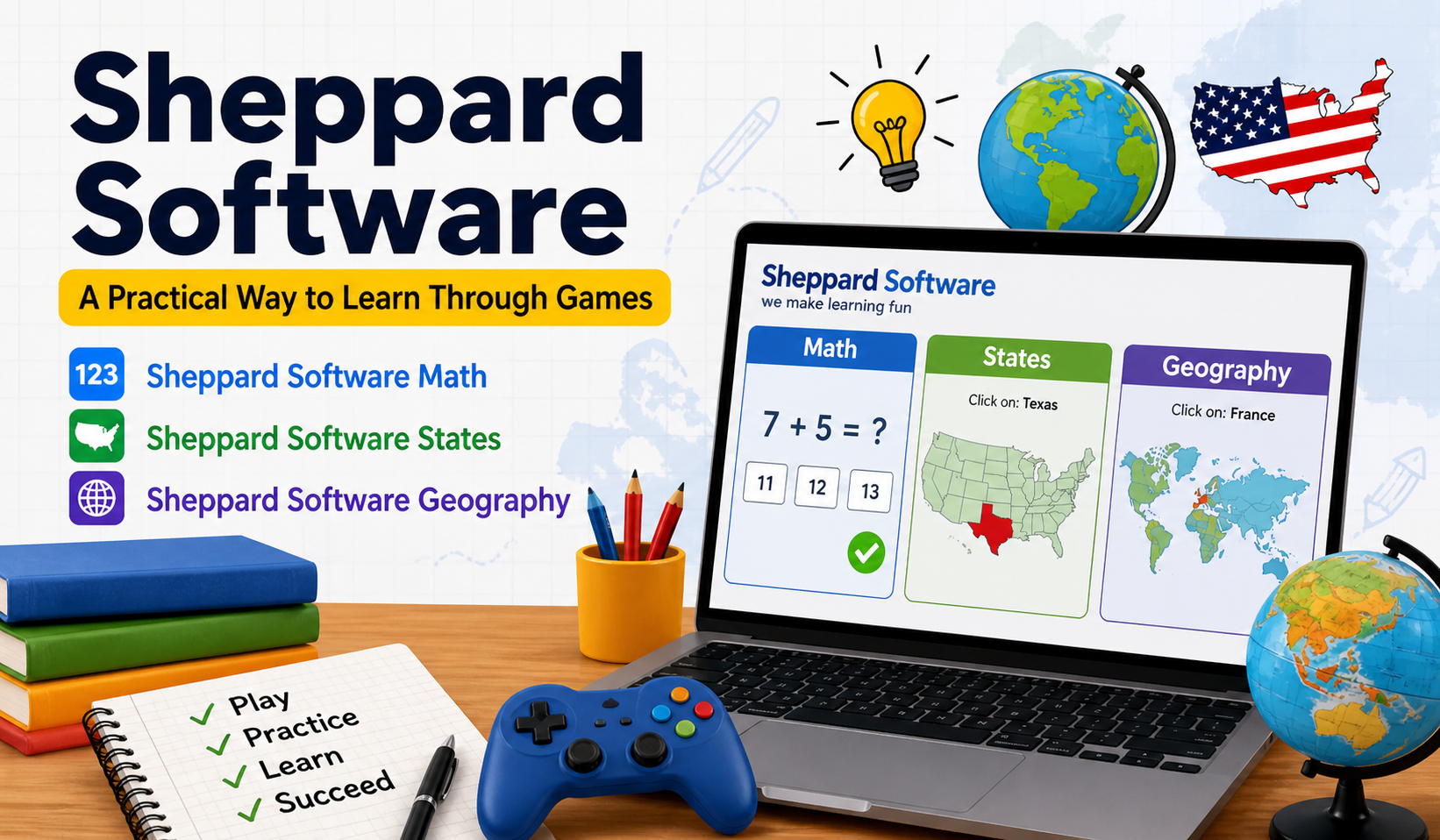
Learning does not always have to feel heavy or boring. The thing is, simple tools can be really great. They often work better, than complicated ones. Simple tools are what we need to make learning fun. Learning and simple tools can go well together.That’s where Sheppard Software comes in. It’s not flashy like modern apps, and yeah, the design feels a bit old—but the way it teaches? Surprisingly effective.
If you’ve ever searched for something like sheppard software math, sheppard software states, or sheppard software geography, chances are you were looking for an easier way to understand things. This platform does exactly that, without making things complicated.
What Is Sheppard Software ?
Sheppard Software is basically a free website full of educational games. That’s it. No sign-ups, no subscriptions, no hidden tricks.
The thing is, it does not feel like I am studying when I am doing this
Instead of reading long paragraphs or try to remember lists, you learn by interacting with the learning material. You click, drag, guess, retry… and slowly, things just start to stick.
Why It Actually Works (Even If It Looks Simple)
At first glance, you might think, “This looks too basic.” And yeah, visually, it is. But that’s kind of the point.
The real strengths:
- Repetition without boredom
You repeat concepts, but through games—not notes. - Instant correction
You make a mistake → you fix it → you remember it better. - Small steps
It doesn’t overwhelm you. You go level by level. - No pressure feeling
It feels like practice, not a test.
And honestly, that relaxed learning style makes a big difference.
Sheppard Software Math: Learning Numbers Without Stress
The sheppard software math section is probably the most used part of the site. It’s designed for beginners and intermediate learners.
What You’ll Find Here
- Basic addition and subtraction
- Multiplication tables
- Division practice
- Fractions and decimals
- Early algebra concepts
How It Feels While Using It
You don’t just solve equations—you interact with them.
For example:
- You might drag the correct answer into place
- Or match numbers quickly before time runs out
- Sometimes it feels like a puzzle more than math
And yeah, sometimes you’ll get things wrong. That’s normal. The system just lets you try again without making it feel like failure.
Sheppard Software States: Learning the U.S. Map the Easy Way
Now, the sheppard software states section is very popular, especially for geography learners.
Memorizing all the United States states from a book is really hard. I think it is very difficult to do that.
But here, it’s different.
What You Learn
- Names of all 50 states
- Where each state is located
- State capitals (in advanced levels)
How the Learning Happens
- You click on a state when given its name
- Or match names to map positions
- Later, you do timed quizzes
At first, you guess a lot. Then slowly, you start recognizing shapes and positions. After a while, it becomes automatic.
Sheppard Software Geography: Understanding the World Better
The sheppard software geography section goes beyond just one country. It covers global topics in a very hands-on way.
Topics Included
- Countries across continents
- Capital cities
- World maps
- Flags of different nations
What Makes It Useful
Instead of memorizing maps, you use them.
- You click on countries repeatedly
- You match flags with names
- You identify continents under time pressure
And yeah, at first, it’s confusing. But after a few rounds, patterns start forming in your mind.
A Quick Comparison (To Understand Its Value)
Let’s keep it real. How does it compare to other learning methods?
| Learning Method | Experience Level | Engagement | Cost |
|---|---|---|---|
| Sheppard Software | Easy | High | Free |
| School Textbooks | Medium-Hard | Low | Paid |
| Mobile Learning Apps | Medium | Medium | Often Paid |
So it’s not perfect.. It does something many tools do not. It keeps you engaged for free.
How to Use Sheppard Software (Step-by-Step)
If you have not used it before just go with it. Don’t think much.
Just follow this:
1: Open the Website
Go to Sheppard Software in your browser.
2: Pick a Subject
Start with something simple like math or geography.
3: Choose Beginner Level
Don’t jump to advanced—it’ll just frustrate you.
4: Play and Learn
Try the games. Make mistakes. Repeat.
5: Move Up Gradually
Once it feels easy, go to the next level.
That’s it. No complex setup.
Who Should Actually Use It?
This is where things get interesting. It’s not just for one type of user.
Students
- Great for school support
- Helps in revision before exams
Teachers
- Can be used during lessons
- Makes classes more interactive
Parents
- Keeps kids busy in a productive way
- Better than random screen time
Even Adults
- Useful for refreshing basics
- Especially in geography and math
Advantages
What’s Good
- Completely free
- Easy to understand
- Works on any browser
- No account needed
What’s Not Perfect
- Outdated design
- Limited advanced-level depth
- No personalized tracking
Still, for a free tool, it delivers more than expected.
Tips to Get Better Results
If you really want to benefit from it, don’t just use it randomly.
Try this instead:
- Practice 15–20 minutes daily
- Repeat levels until you’re confident
- Don’t rush to higher levels
- Combine it with school notes
Consistency matters more than time spent.
FAQs
1. Is Sheppard Software free?
Yes, completely free. No hidden charges.
2. Is it good for beginners?
Absolutely. That’s actually its strongest point.
3. Can it replace school learning?
Not really. It works best as a support tool.
4. Does it work on mobile?
Yes, but it’s smoother on desktop.
5. Is it safe for kids?
Yes, it’s designed for educational use.
Conclusion
So, here’s the honest truth.
Sheppard Software isn’t the most modern platform out there. It won’t impress you with design or advanced features.
But when it comes to actually learning, especially in areas like sheppard software math, sheppard software states, and sheppard software geography, it does something very important—it keeps things simple.
And sometimes, simple is exactly what works.
If you give this thing a time and you use it every day you will probably notice something. You are learning things. You do not even realize that you are learning. This is because you are using it all the time and it is becoming a part of what you do. You are learning with this thing without thinking about it.