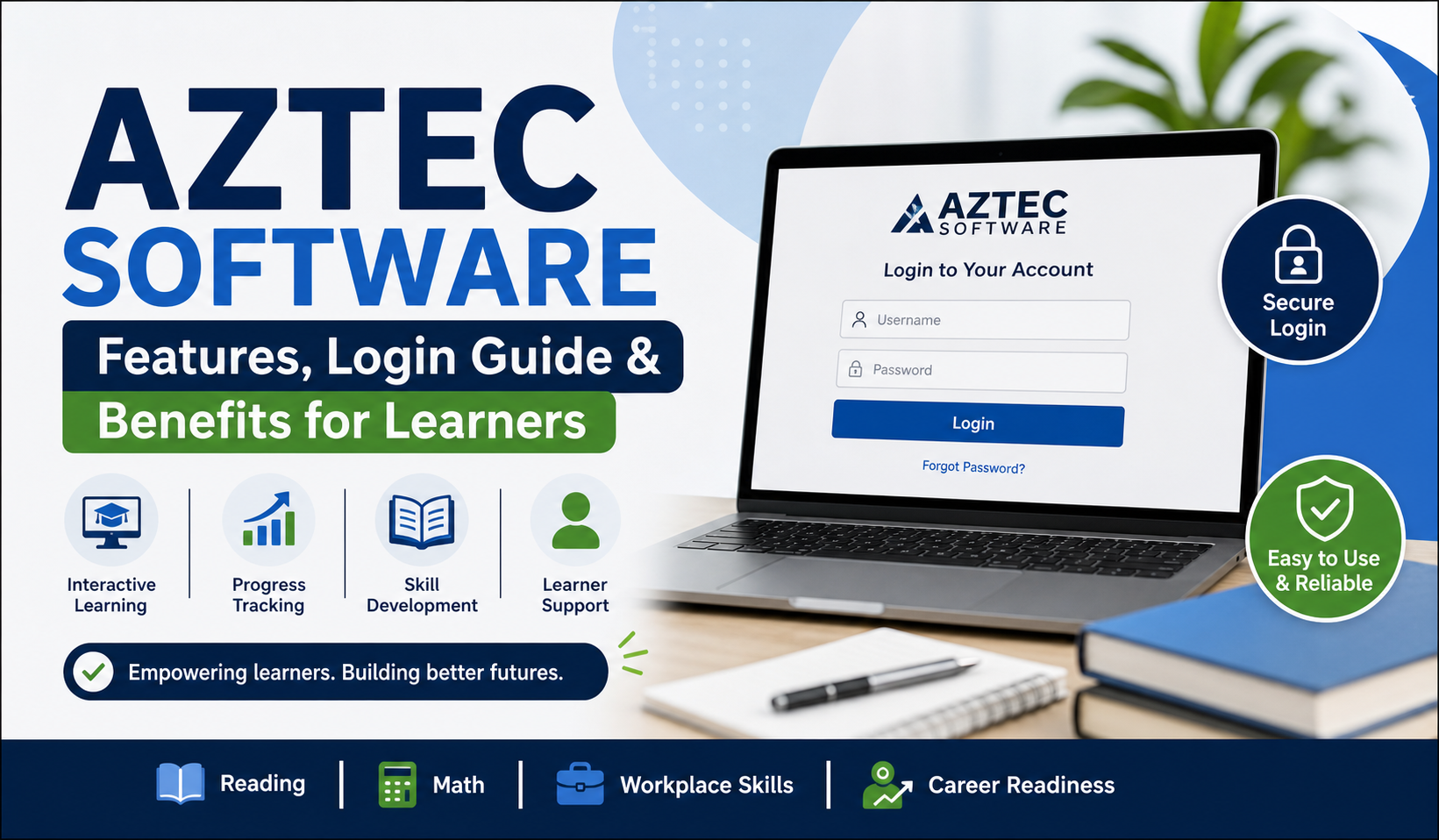
You have likely heard the word Aztec software somewhere, be it in a training program, or in your search for learning tools, you have likely wondered, what is this? You’re not alone. The title does not directly tell you a lot. It is technical, perhaps even somewhat out of date. However, when you start digging into it, it in fact has a very practical purpose.
In simple terms, Aztec software is a learning platform. The flashy one, with gamified animations in all corners, is not what is meant here; but more of a structured, skills based system. It’s used mostly in education and workforce training environments.
Let’s go through it properly, without making it sound overly complicated.
What Is Aztec Software (In Simple Terms)?
At its core, Aztec software is designed to help people improve essential skills. We’re talking about things like:
- Reading
- Writing
- Basic math
- Workplace readiness
It is particularly handy when working with adult learners or individuals that are attempting to reenter education or enhance work-related skills.
You’ll usually find it in places like:
- Community colleges
- Job training centers
- Adult education programs
- Correctional education systems
It’s not something you randomly download like an app. Most of the time, access is given through an institution.
Why Was Aztec Software Created?
Here’s the thing—many people struggle with basic skills, even in professional environments. And traditional teaching methods don’t always work for everyone.
That’s where Aztec software comes in.
It focuses on:
- Practical learning instead of theory-heavy content
- Step-by-step progression
- Repetition (yes, a bit of it—but it helps)
It doesn’t try to impress you.
Key Features of Aztec Software
Let’s talk about what it actually offers. Not in a marketing way—just what you’ll notice when using it.
1. Personalized Learning Paths
The system adjusts based on your level.
It scoops that up so in the case that you are weak in math but you are okay in reading, then this picks that up.
- No one-size-fits-all approach
- Lessons adapt over time
2. Structured Modules
All this is divided into small manageable bits.
- Reading comprehension
- Grammar basics
- Math exercises
- Workplace communication
It’s not overwhelming, which is honestly a big plus.
3. Progress Tracking
You can see where you stand.
- Completed lessons
- Performance reports
- Skill improvement
For instructors, this is even more useful.
4. Simple Interface
Not fancy. Not modern-looking either. But it works.
And sometimes… that’s enough.
What Is Aztec Software Plus?
Now this is where things get slightly more advanced.
You might come across aztec software plus, and yes—it’s basically an upgraded version.
But not in a “completely different platform” way. It’s more like an enhanced version with extra features.
Quick Comparison
| Feature | Aztec Software | Aztec Software Plus |
|---|---|---|
| Core lessons | Yes | Yes |
| Advanced content | Limited | More extensive |
| Reporting | Basic | Detailed |
| Customization | Medium | High |
| Instructor tools | Standard | Advanced |
So… Should You Care About the “Plus”?
If you’re just a learner, honestly, you might not notice a huge difference.
But for institutions?
Yeah, it matters.
They get:
- Better analytics
- More control over content
- Deeper tracking of student performance
How to Access Aztec Software (Step-by-Step)
Okay, so we can maintain this practical.
Should you have been granted access, here is what you tend to do:
1: Get Your Credentials
You’ll receive:
- Username
- Password
Usually from a teacher or program admin.
2: Open the Login Page
Search for the aztec software login page or use the link provided by your institution.
3: Enter Details
Type in your login info carefully.
(Yeah, caps lock mistakes happen more than we’d like to admit.)
4: Start Learning
Once inside, you can:
- Pick your assigned course
- Begin lessons
- Take quizzes
5: Monitor Progress
Check your dashboard from time to time.
It helps you stay on track
Common Aztec Software Login Issues (And Fixes)
Let’s be real—logins don’t always go smoothly.
Here are some typical problems:
| Issue | What’s Going On | What You Can Do |
|---|---|---|
| Wrong password | Typing error | Reset it |
| Account locked | Too many attempts | Wait or contact admin |
| Page not loading | Internet/browser issue | Refresh or switch browser |
| No access | Not registered | Ask your institution |
Nothing too complicated, but still annoying when it happens.
Who Should Use Aztec Software?
This isn’t a “for everyone” kind of platform.
It’s actually quite specific.
Good Fit For:
- Adult learners returning to education
- Job seekers improving basic skills
- Students needing extra support
- Workforce training participants
Not Really For:
- Advanced academic learners
- People looking for highly interactive apps
- Casual users wanting quick entertainment
It’s more serious than that.
Benefits of Using Aztec Software
Let’s keep this honest—why do people actually use it?
1. Builds Strong Basics
It focuses on fundamentals. And that matters more than people think.
2. Helps With Jobs
You’re not just learning—you’re preparing for real-world tasks.
3. Learn at Your Own Pace
No pressure. No deadlines (in most cases).
4. Easy to Follow
Even if you’re not tech-savvy, you can figure it out.
Limitations You Should Know
Okay, it’s not perfect.
And it’s better to be upfront about that.
Some Downsides:
- Not freely available for everyone
- Depends on institutional access
- Interface feels a bit old
- Not ideal for advanced-level learning
Still, for its purpose, it works pretty well.
Tips to Get Better Results
If you’re using it, don’t just go through lessons randomly.
Try this instead:
- Set small goals (like 20–30 minutes daily)
- Focus on weak areas first
- Repeat lessons if needed
- Don’t skip quizzes
- Stay consistent (this is the big one)
Honestly, consistency beats everything here.
FAQs
1. What is Aztec software mainly used for?
It’s used for skill development—especially reading, math, and job readiness.
2. Is Aztec software free to use?
Not usually. Access is provided through institutions.
3. How do I access aztec software login?
You need credentials from your organization or training program.
4. What is aztec software plus?
It’s an advanced version with more features and better reporting tools.
5. Can I use it on my own?
In most cases, no. You need institutional access.
Conclusion
Aztec software isn’t flashy. It doesn’t try to be trendy. And honestly, that might be why it works.
It focuses on the basics—and does that well.
If you’re someone who needs structured learning, especially for real-world skills, it can actually be quite helpful. Not perfect, sure. But practical.
And sometimes… practical is exactly what you need.